
Scan barcodes from a normal phone without extra scanner hardware.
← All solutions
PHONE SCANNER
Barcode Scanner
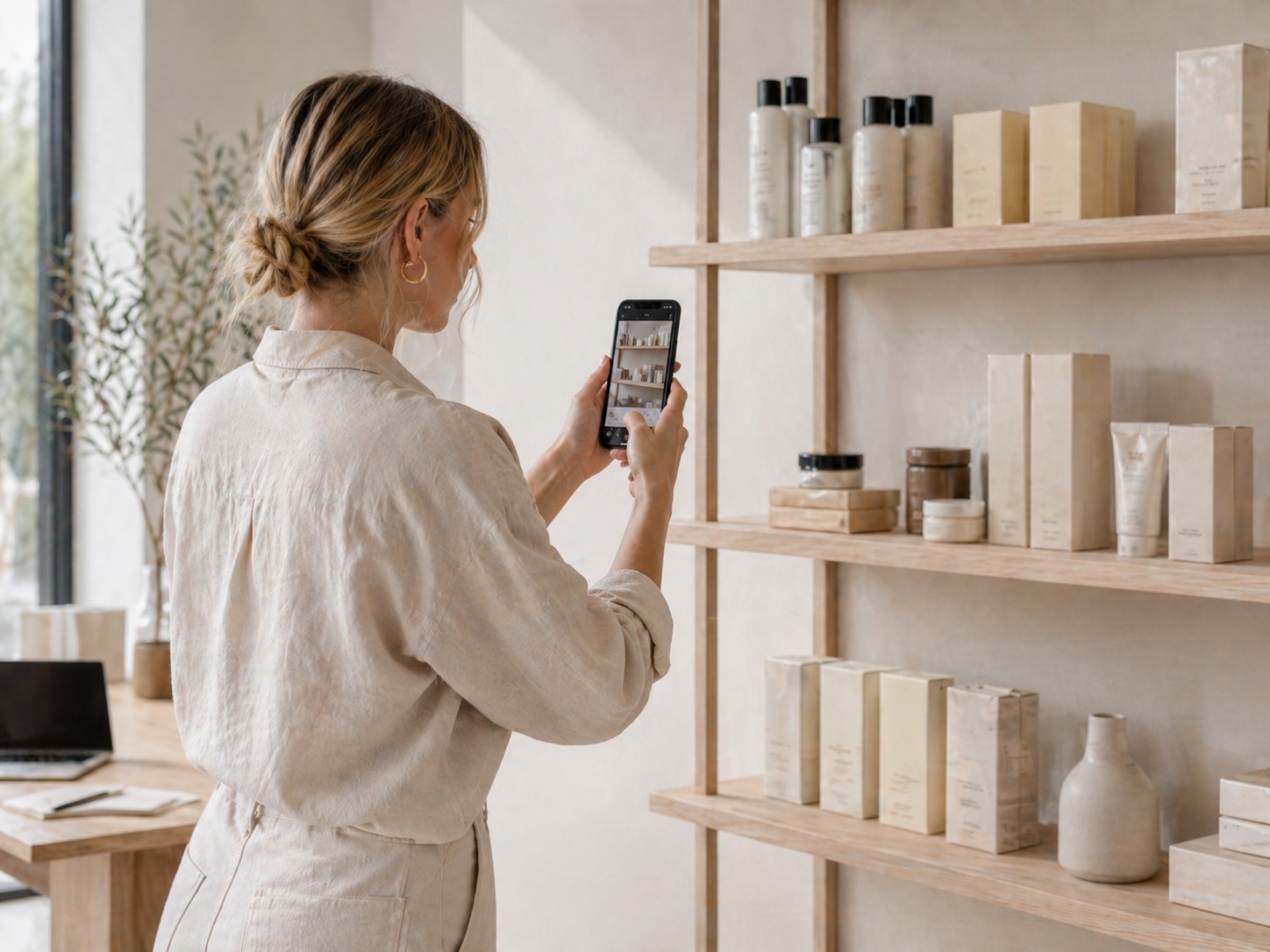
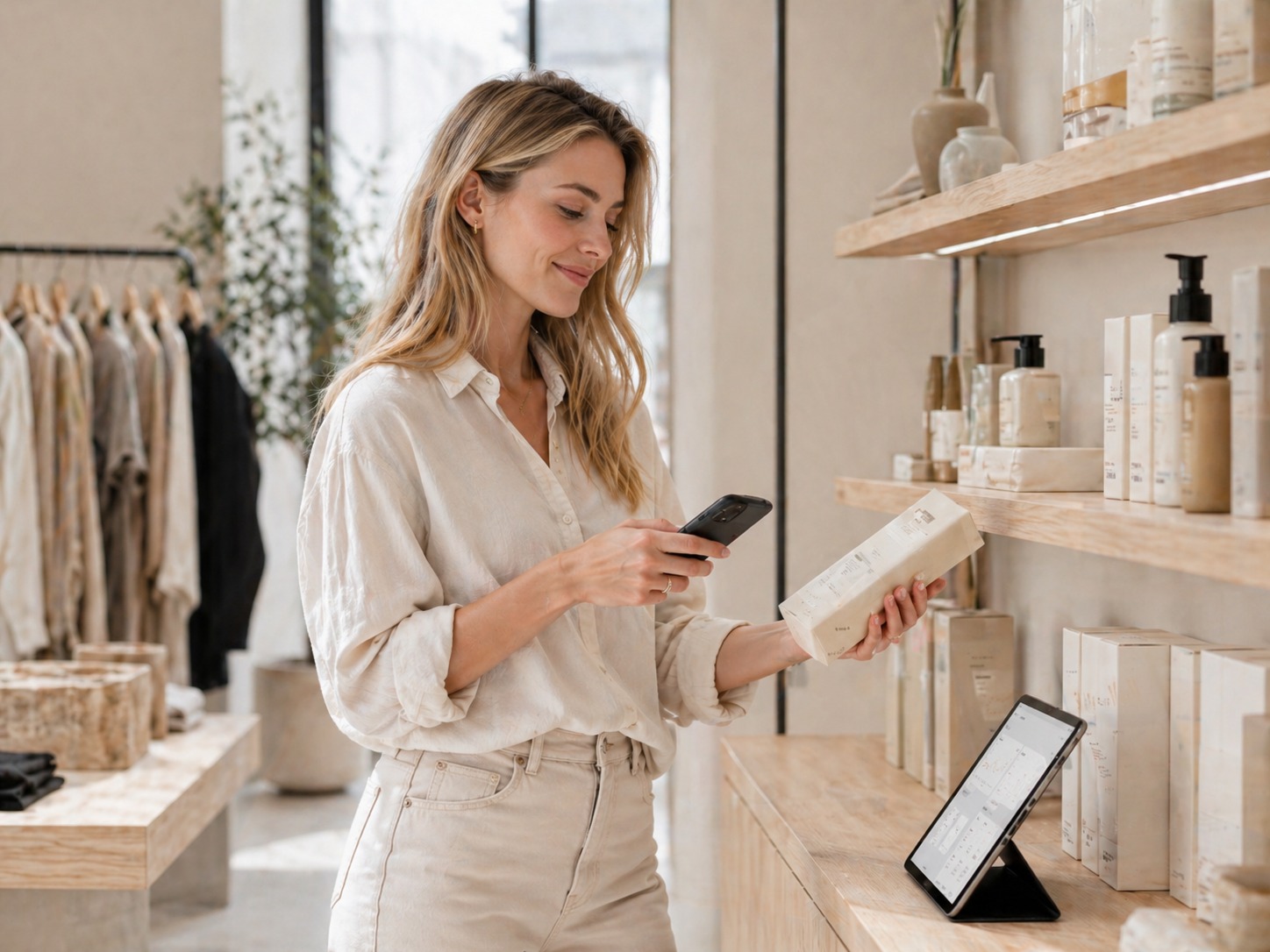
Use the phone camera to scan product barcodes, find items fast and add them to orders, stock checks or sales workflows.
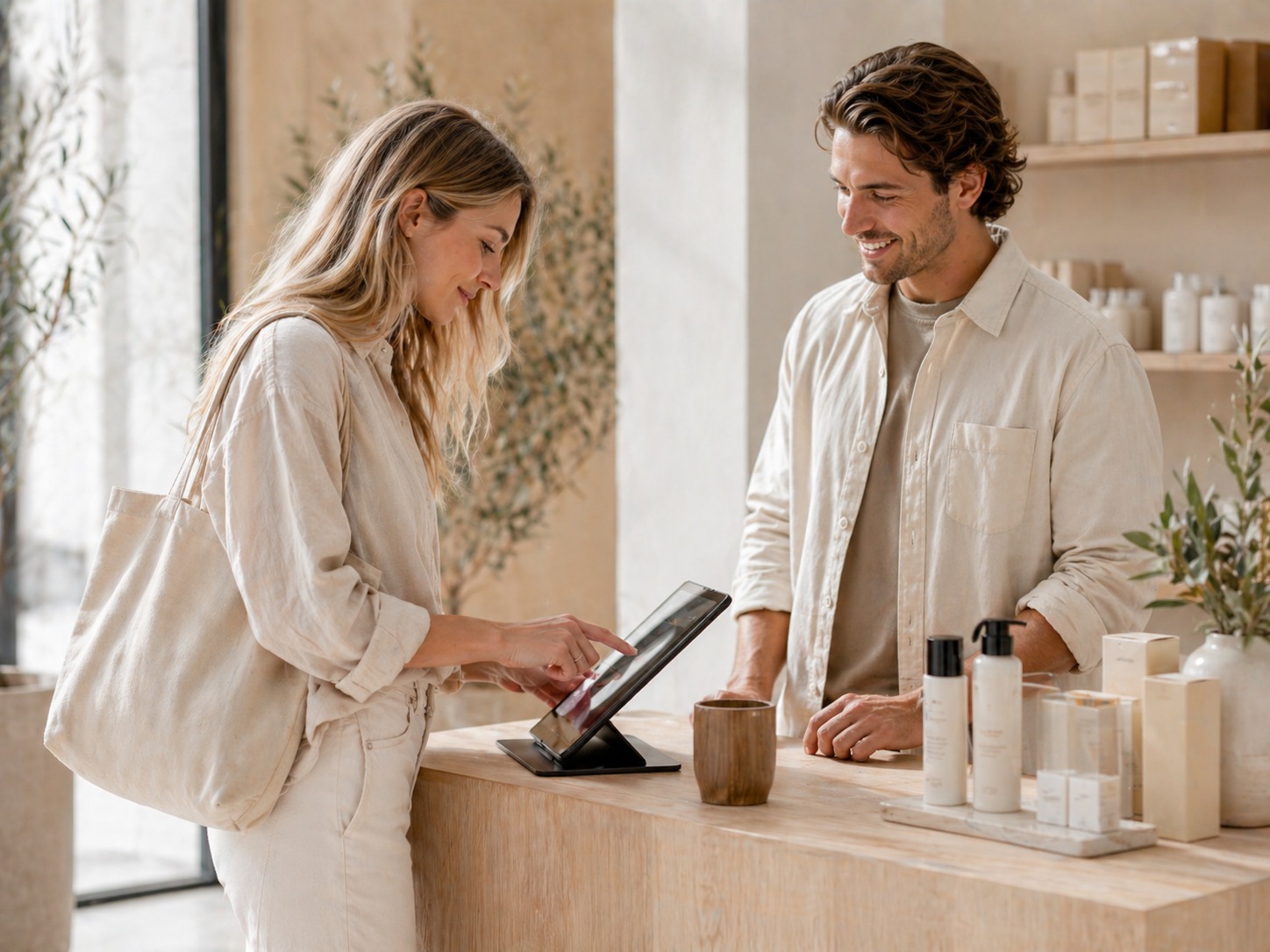
Find the right product quickly during visits, packing or showroom work.
Add scanned items into a working order, list or stock-check flow.
WHY IT MATTERS
Scan products with the phone and keep the workflow moving.
Barcode Scanner lets staff or agents use a phone camera to find products, add items to orders, support stock checks and move faster without a dedicated scanner device.
Activate
Enable the add-on from the module system.
Configure
Shape the workflow around the tenant and brand.
Grow
Add more modules when the system needs them.
VISUAL SYSTEM
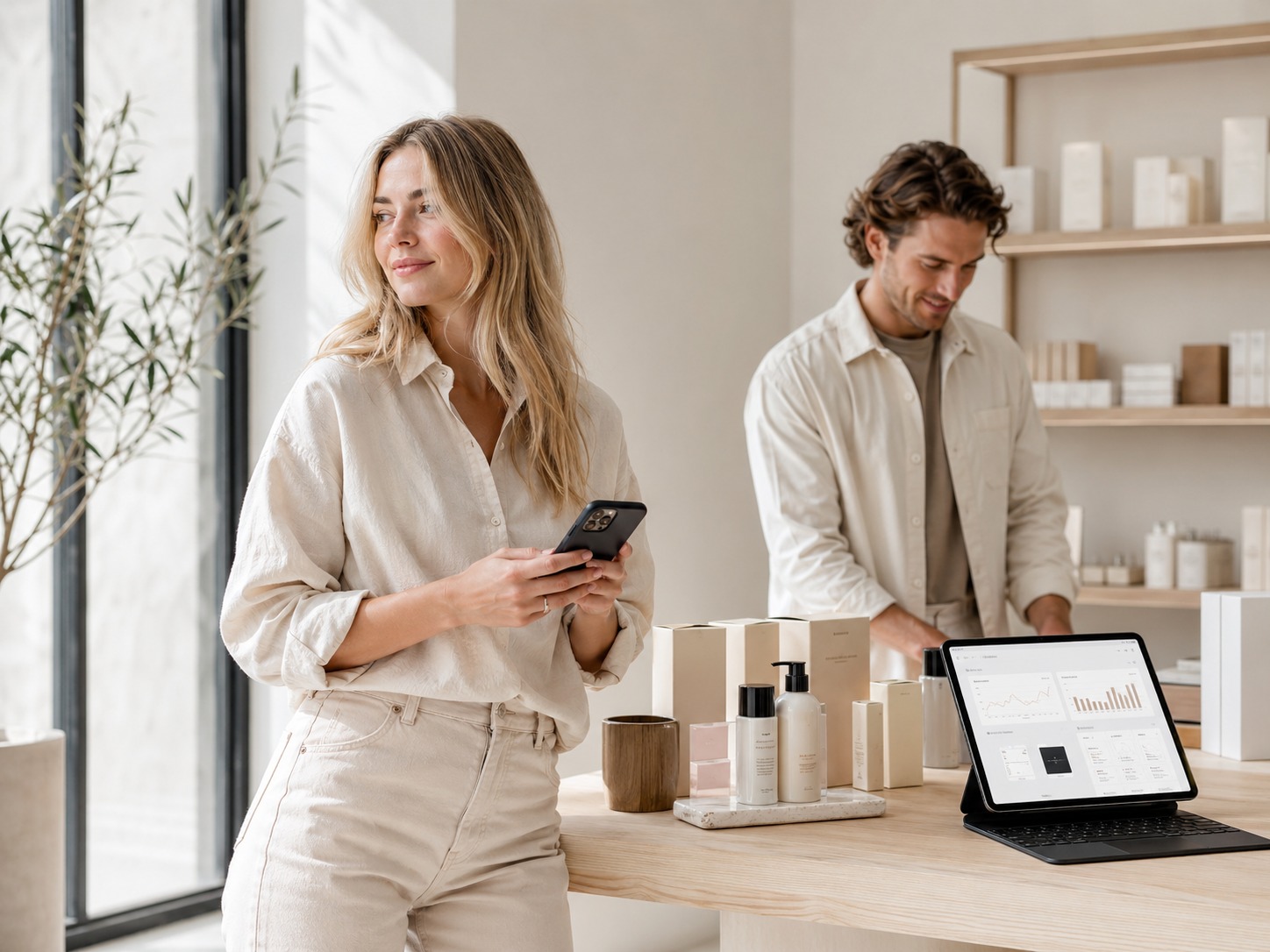
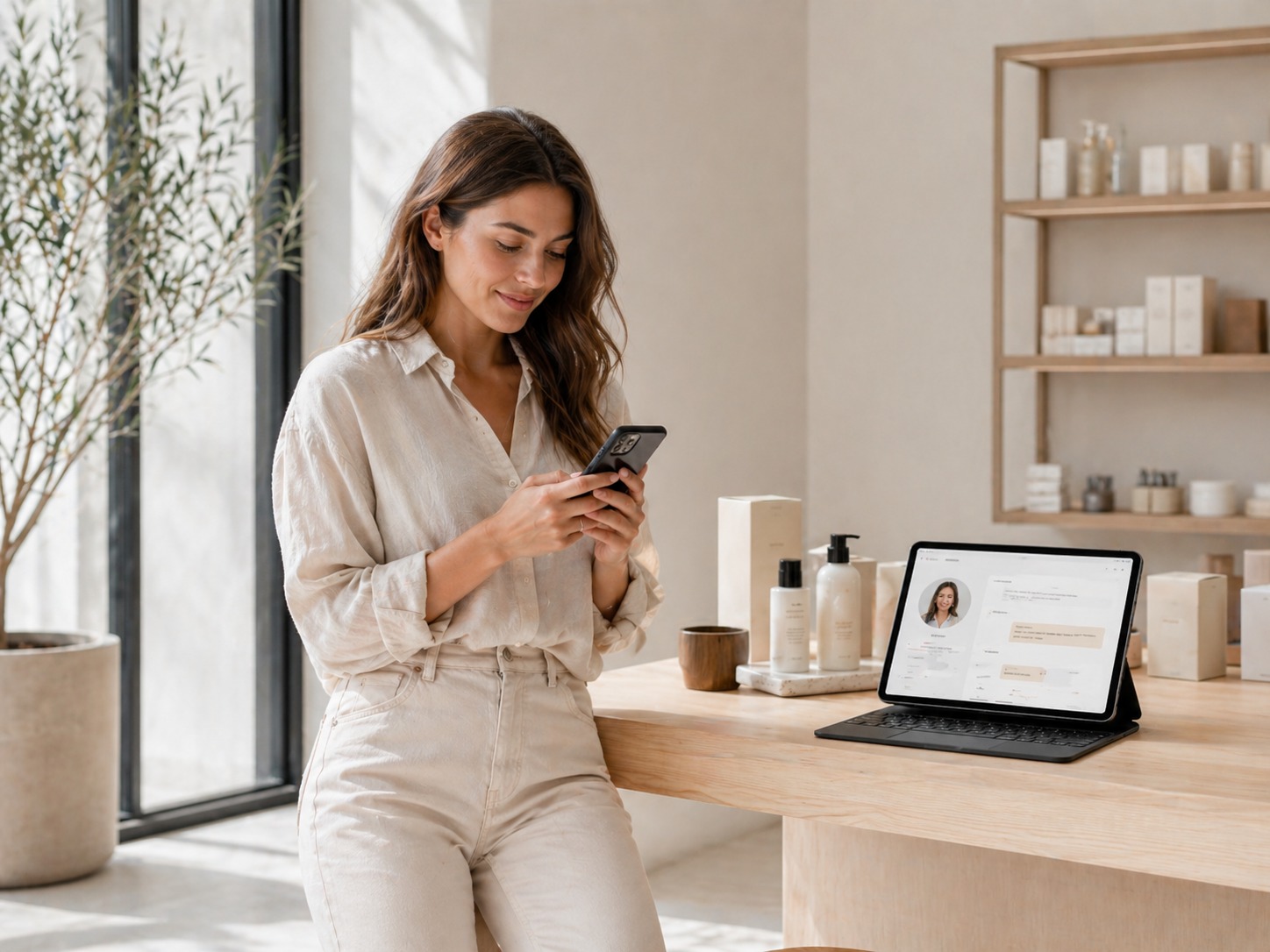
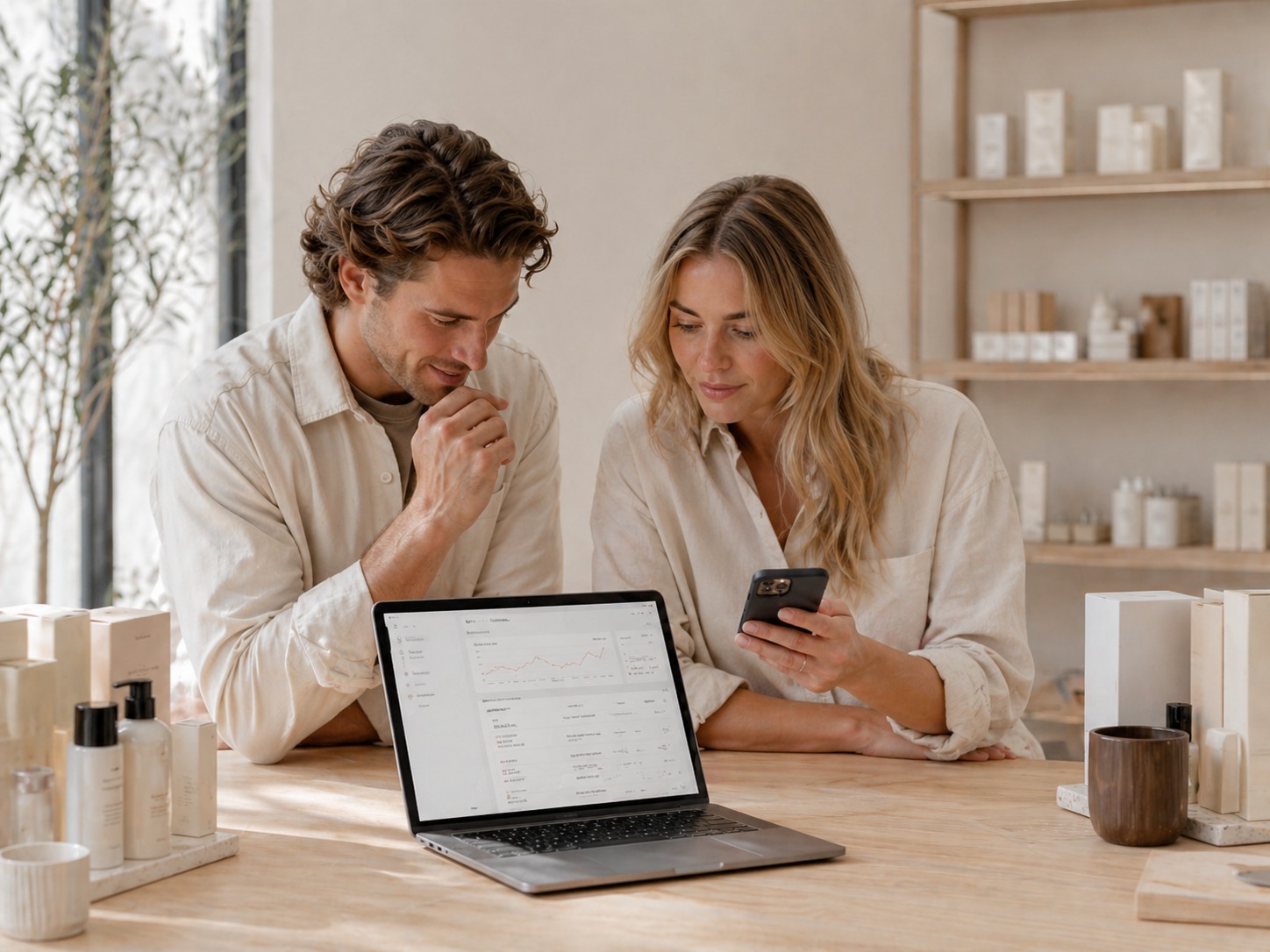
Show the workflow, not just the feature.
PRICING
Choose the way you want to start.
Keep it simple: free, monthly or yearly — whatever fits the stage your brand is in.
Included as a free add-on. Activate it when the workflow becomes useful.
FAQ
A few things people usually want to know.
Short answers, so it is easier to understand how the add-on fits into the brand.
What does Barcode Scanner do?
It lets staff use a phone or device camera to scan products quickly in practical workflows such as stock checks, ordering or product lookup.
Do we need special hardware?
In many cases the idea is to work directly from a phone camera, which keeps the workflow lighter and easier to deploy.
Where is it useful?
It fits retail floors, warehouse checks, showroom sales and fast order-entry situations where speed matters.
Can scanned products connect to orders or records?
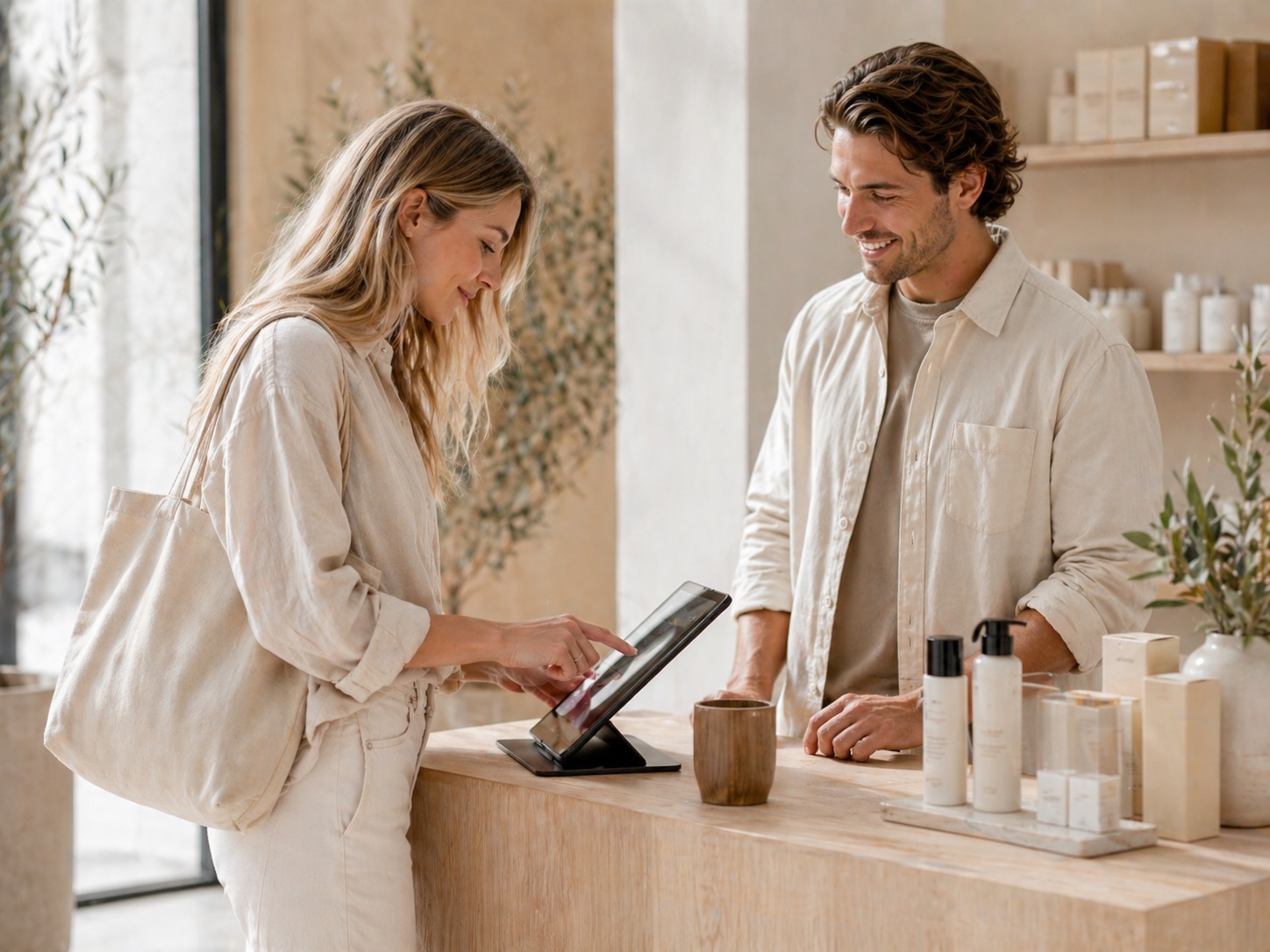
Yes. The scanner can be used as part of broader Maude workflows such as order capture, stock-related actions or product search.
Is it only for one brand type?
No. It can support both retail and B2B workflows depending on how the tenant uses the platform.
START YOUR JOURNEY
Turn every phone into a faster product lookup tool.
Start with your work email and choose the domain you want for your new Maude space.